
20种小技巧,玩转Google Colab
选自amitness.com
作者:Amit Chaudhary
机器之心编译
编辑:陈萍
转自:机器之心
Google Colab 给广大的 AI 开发者提供了免费的 GPU,你可以在上面轻松地跑 Tensorflow、Pytorch 等深度学习框架。但关于 Colab 的使用技巧你又掌握了多少呢?这篇文章将介绍 20 种 Colab 使用技巧,帮你提高使用效率。

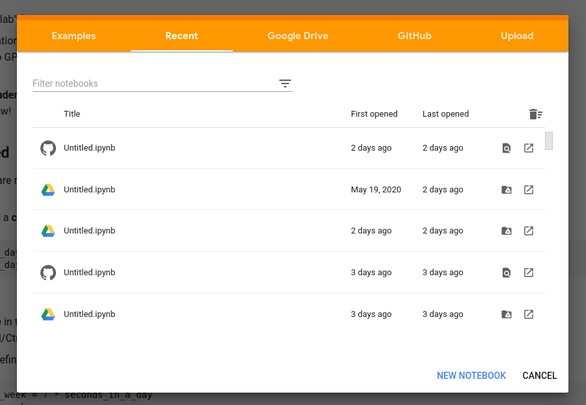
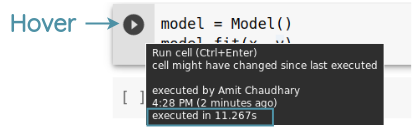
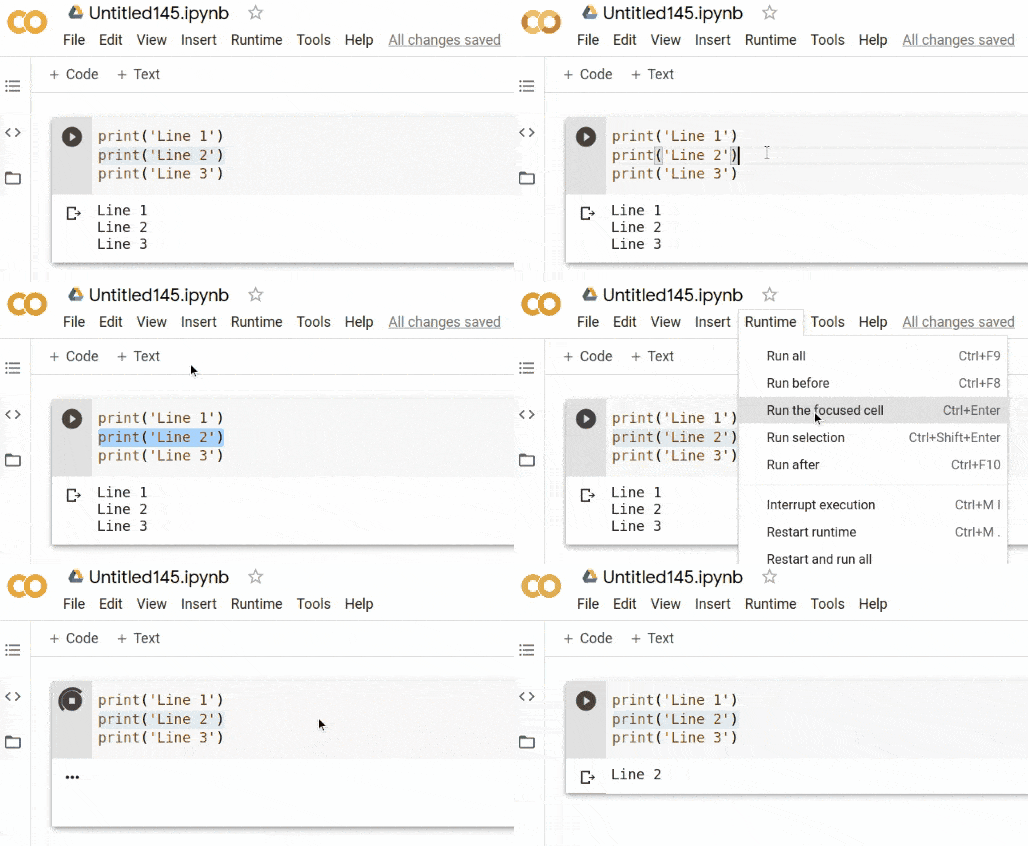
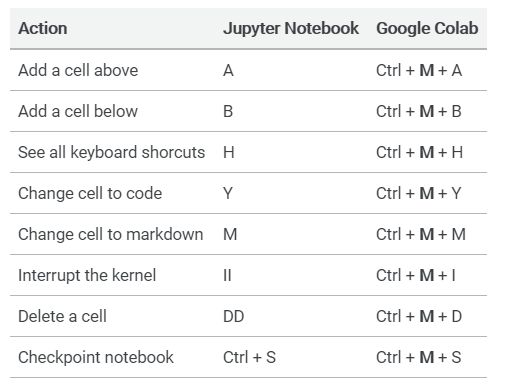
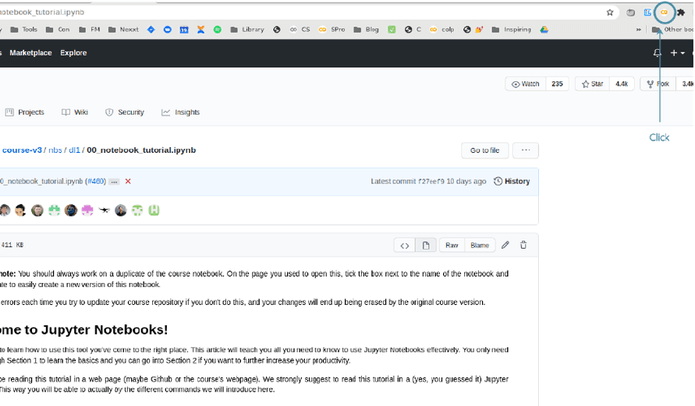
https://github.com/fastai/course-v3/blob/master/nbs/dl1/00_notebook_tutorial.ipynb
https://colab.research.google.com/github/fastai/course-v3/blob/master/nbs/dl1/00_notebook_tutorial.ipynb
https://github.com/fastai/course-v3/blob/master/nbs/dl1/00_notebook_tutorial.ipynb
https://githubtocolab.com/fastai/course-v3/blob/master/nbs/dl1/00_notebook_tutorial.ipynb
!pip install flask-ngrok flask==0.12.2from flask import Flaskfrom flask_ngrok import run_with_ngrokapp = Flask(__name__)run_with_ngrok(app).route('/')def hello():return 'Hello World!'if __name__ == '__main__':app.run()
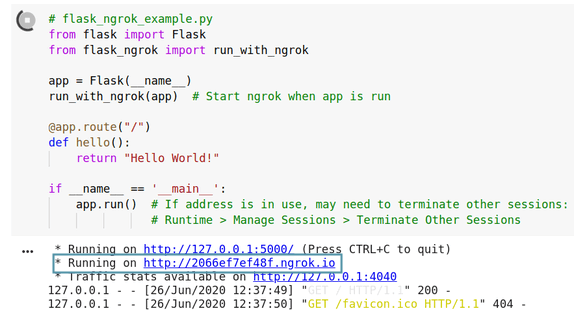
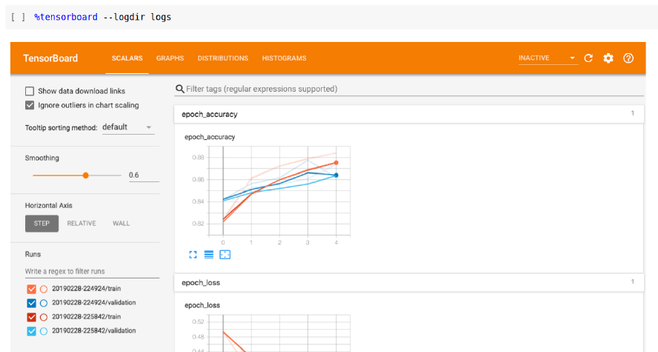
tensorflow_version 1.xtensorflow_version 2.x%load_ext tensorboard%tensorboard --logdir logs

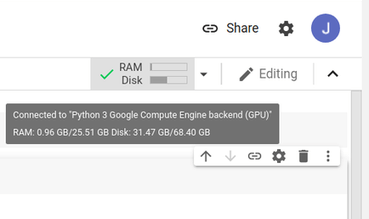
!nvidia-smi!cat /proc/cpuinfoimport psutilram_gb = psutil.virtual_memory().total / 1e9print(ram_gb)
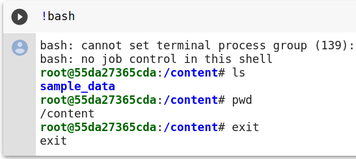
!bash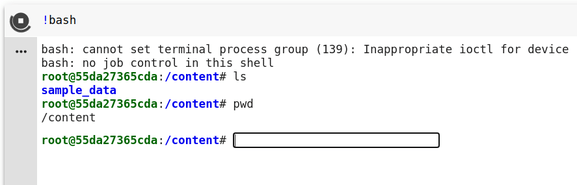

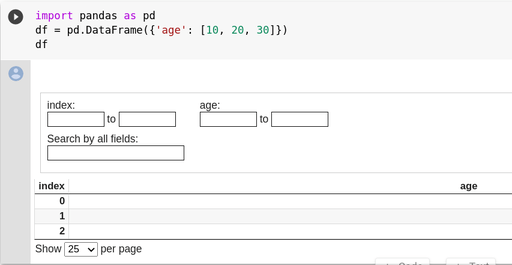
[](https://colab.research.google.com/notebooks/basic_features_overview.ipynb)%load_ext google.colab.data_table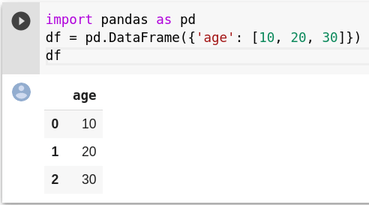
Download Miniconda installation script!wget https://repo.anaconda.com/miniconda/Miniconda3-latest-Linux-x86_64.shMake it executable!chmod +x Miniconda3-latest-Linux-x86_64.shStart installation in silent mode!bash ./Miniconda3-latest-Linux-x86_64.sh -b -f -p /usr/localMake conda packages available in current environmentimport syssys.path.append('/usr/local/lib/python3.7/site-packages/')
!conda install -y flask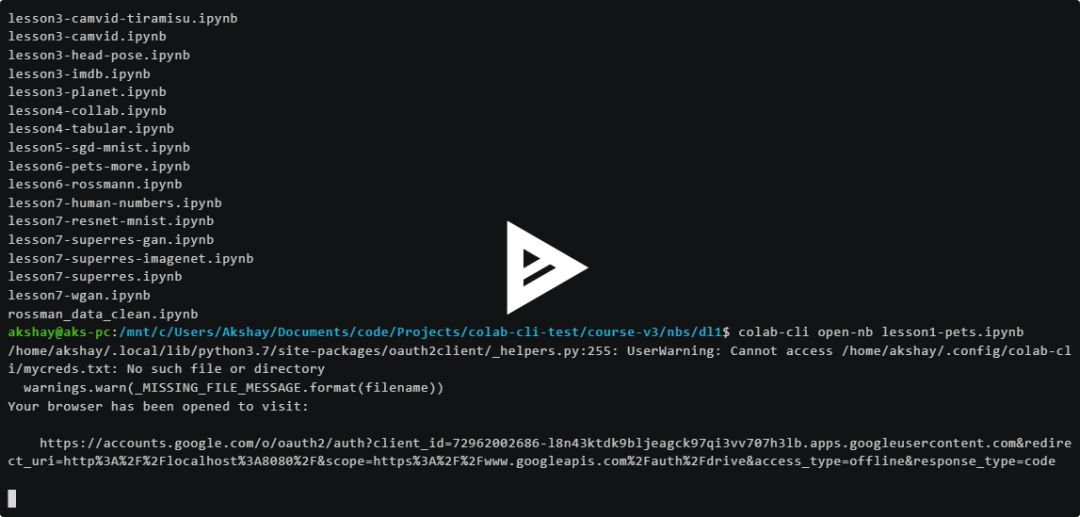
!nohup bash ping.sh &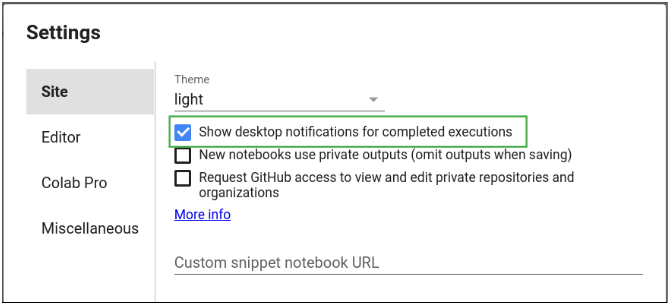
往期精彩:
喜欢您就点个在看!
评论